
Active — in your browser
1. Library
Your raw material, by URL references only: no file stored in the software. The station’s public catalogue counts 1,558 confirmed songs; the Builder builds your own local library from the URLs you paste (YouTube, Suno, direct audio). Your library lives on your device and exports as JSON.

Active — in your browser
2. Rotations
The rules that keep your music playing without thoughtless repetition: categories, separations, weightings. In the platform’s Scheduling, rotations organize your blocks and your queue as of today, locally.

Active — local
3. Jingles
Your jingles, station IDs and imaging were filed in your folders of the former Music catalogue (Jingles, Station IDs, Ads, Favourites) — the feature will return with the new catalogue. Folders you already created still load into the Builder station or the control room queue. The Audio Studio cartridges round out the toolbox, in your browser.

Active — local
4. Capsules
Record your capsules in the platform’s Audio Studio (microphone, level, playback — everything happens in your browser, nothing is sent to the server) and place them in your schedule like any other item in the queue.

Active — local
5. Features
Your features are prepared like capsules and take their place in the scheduling clock. On the written side, the site’s editorial team (the Blog) already publishes its features and training articles.
Active — in your browser
6. Hourly scheduling
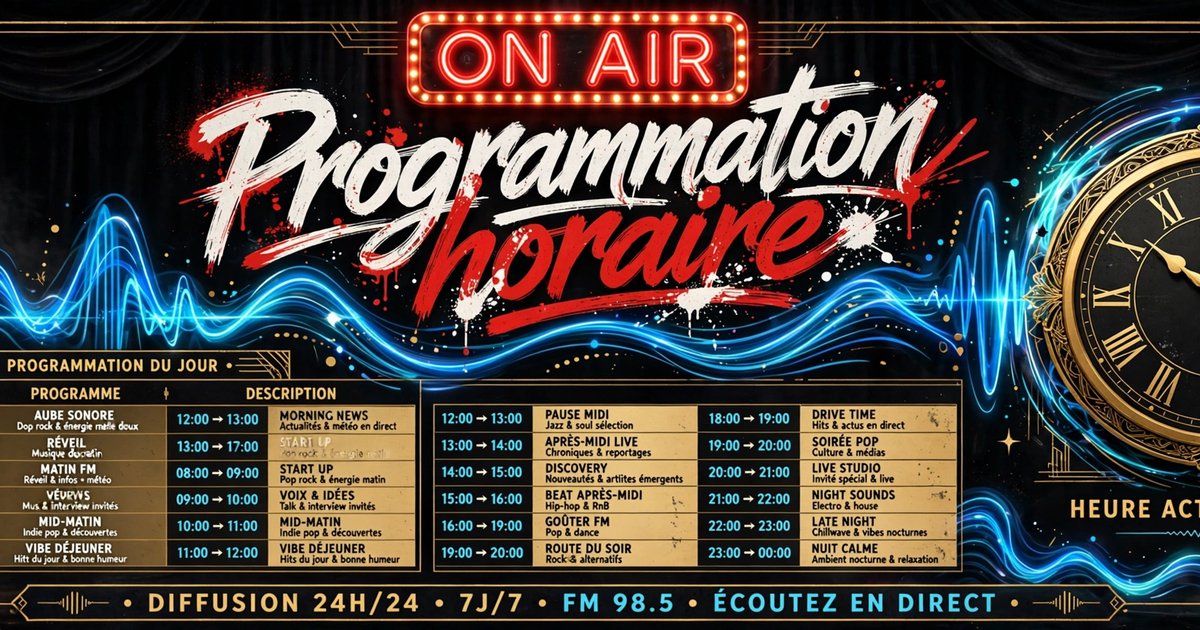
The scheduling clock assembles your day: blocks, rotations, capsules, features, at the times you set. It runs today in your browser, on your device.
Active — in your browser
7. Queue
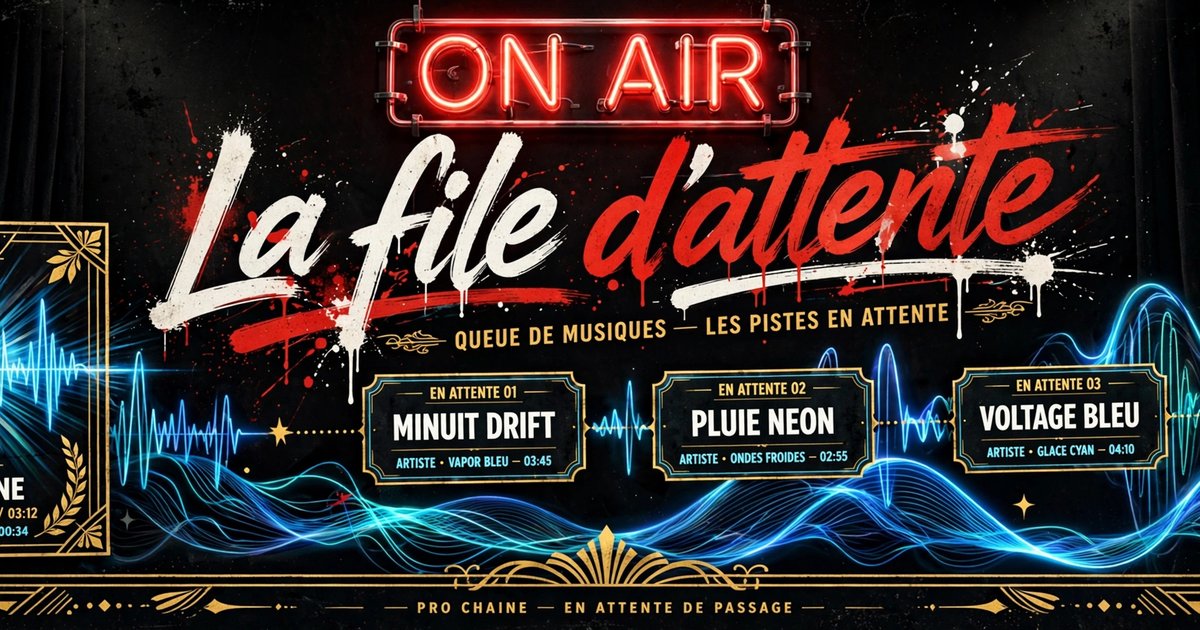
The control room shows your station’s NOW / NEXT / QUEUE: what is playing, what is next, what is waiting. The queue moves back and forth between the Builder, the Console and the control room — proven in real use.
Active — in your browser
8. Playout — the broadcast engine
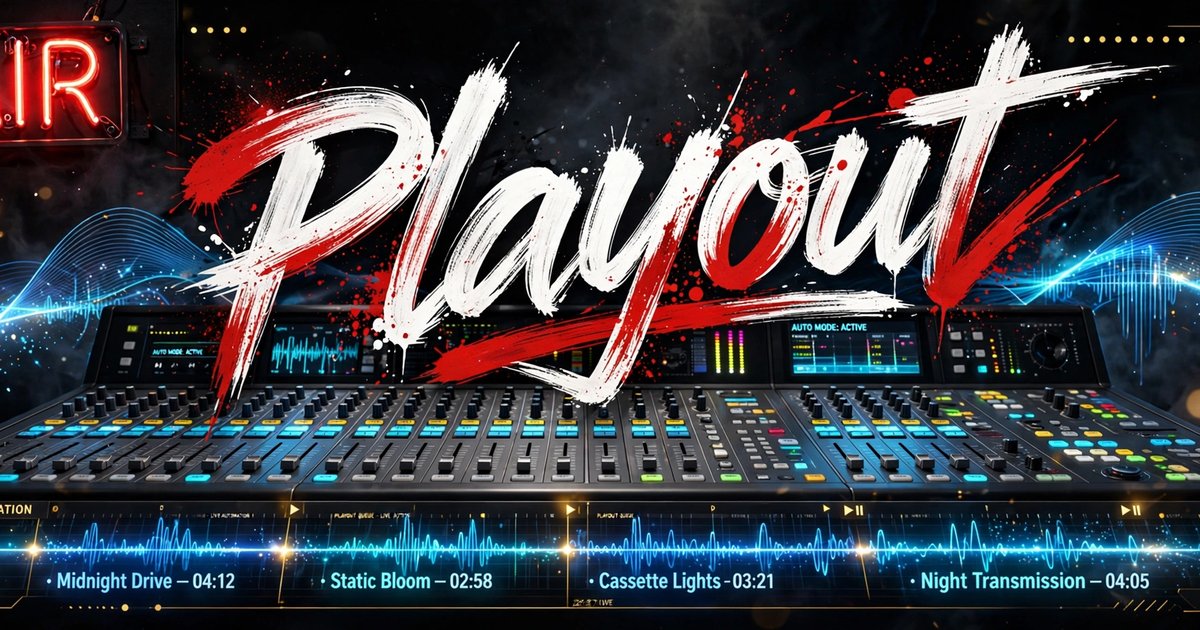
This is the link that turns your queue into continuous listening. Here, that playout is playback in the visitor’s browser, through the URL to URL Player: your queue plays continuously, page open, with each source’s real controls.
RadioInternet.ca’s main station, though, already broadcasts server-side: its stream, fed by a hosted AutoDJ (Shoutcast), plays continuously on the Listen page — the real-use proof that the chain reaches the listener.
Active
9. Player
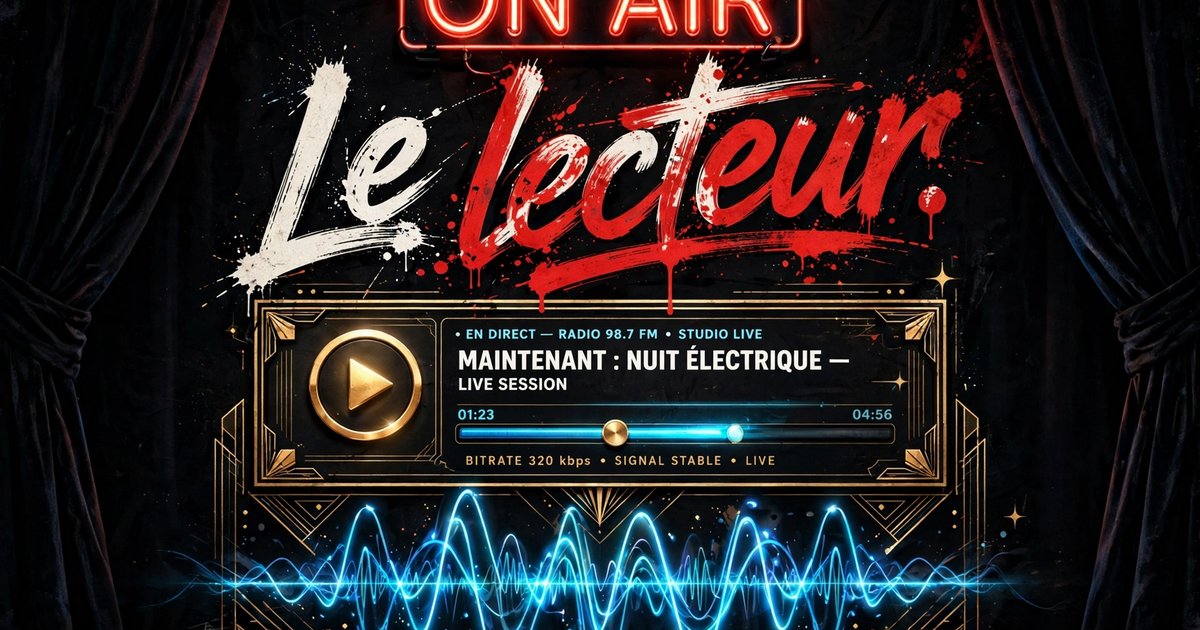
The URL to URL Player on the Listen page: three modes (Catalogue, Radio, My URLs), the official players for each source, real controls where the source allows them.
The fixed bar at the bottom of every page is the station’s living player: you pick your source there — CONTINUOUS RADIO (the site’s songs, synchronized by the clock, the same for everyone at the same moment) or 24/7 STREAM (the station’s Shoutcast stream). The sound never stops when you change pages, the stream reconnects on its own if it drops, and the controls stay available on your phone’s lock screen.